AI does the work. People hold the keys.
Mail, CRM, calendar, bookings, files and AI agents, in one place. Connect the Claude or ChatGPT you already use, or run a team of agents on your own Anthropic key. You see everything they do, and anything important waits for your passkey.
Plans from $15 a month, with 14 days free. A card is needed to start. Bring your own AI: the app you already pay for, or your own API key for agents.
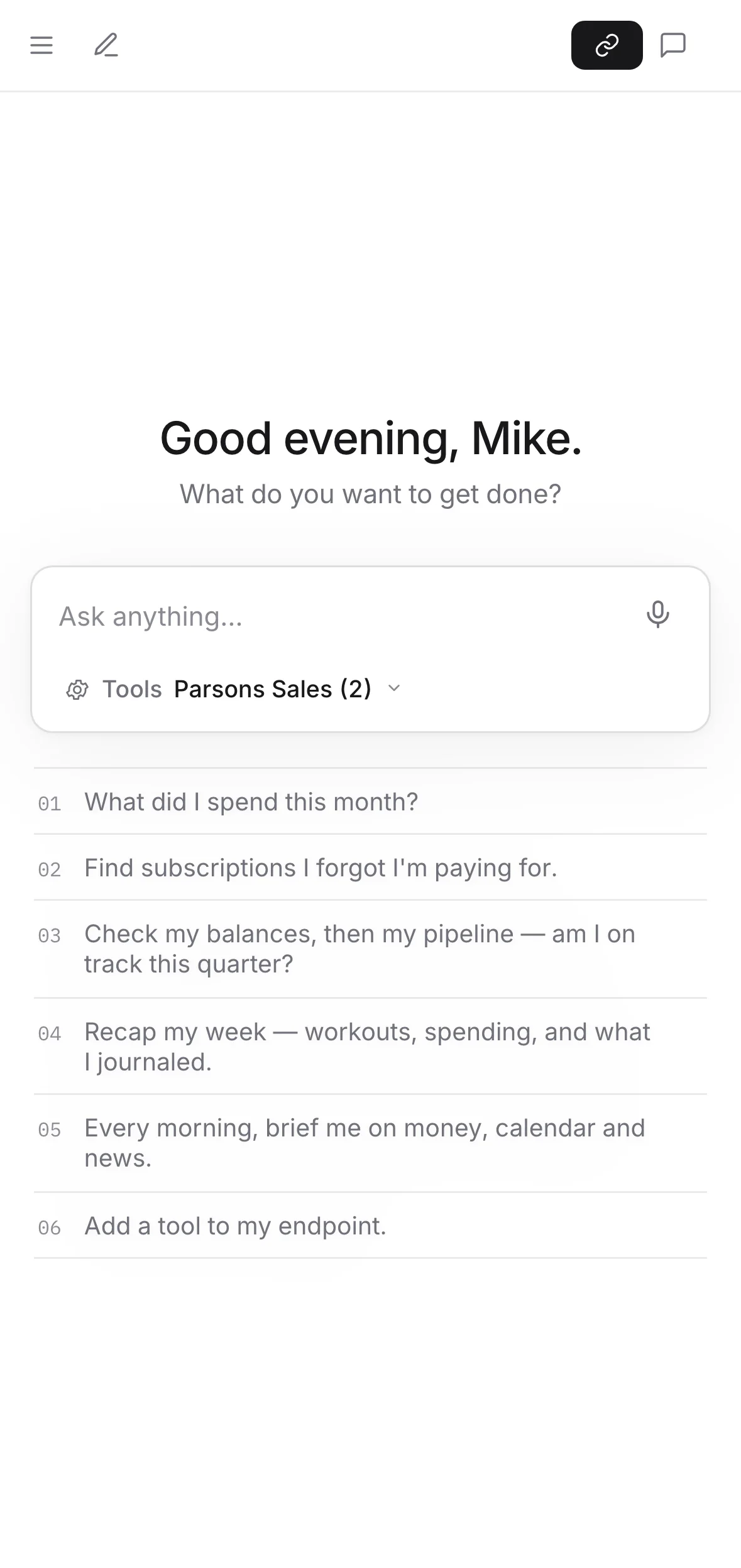
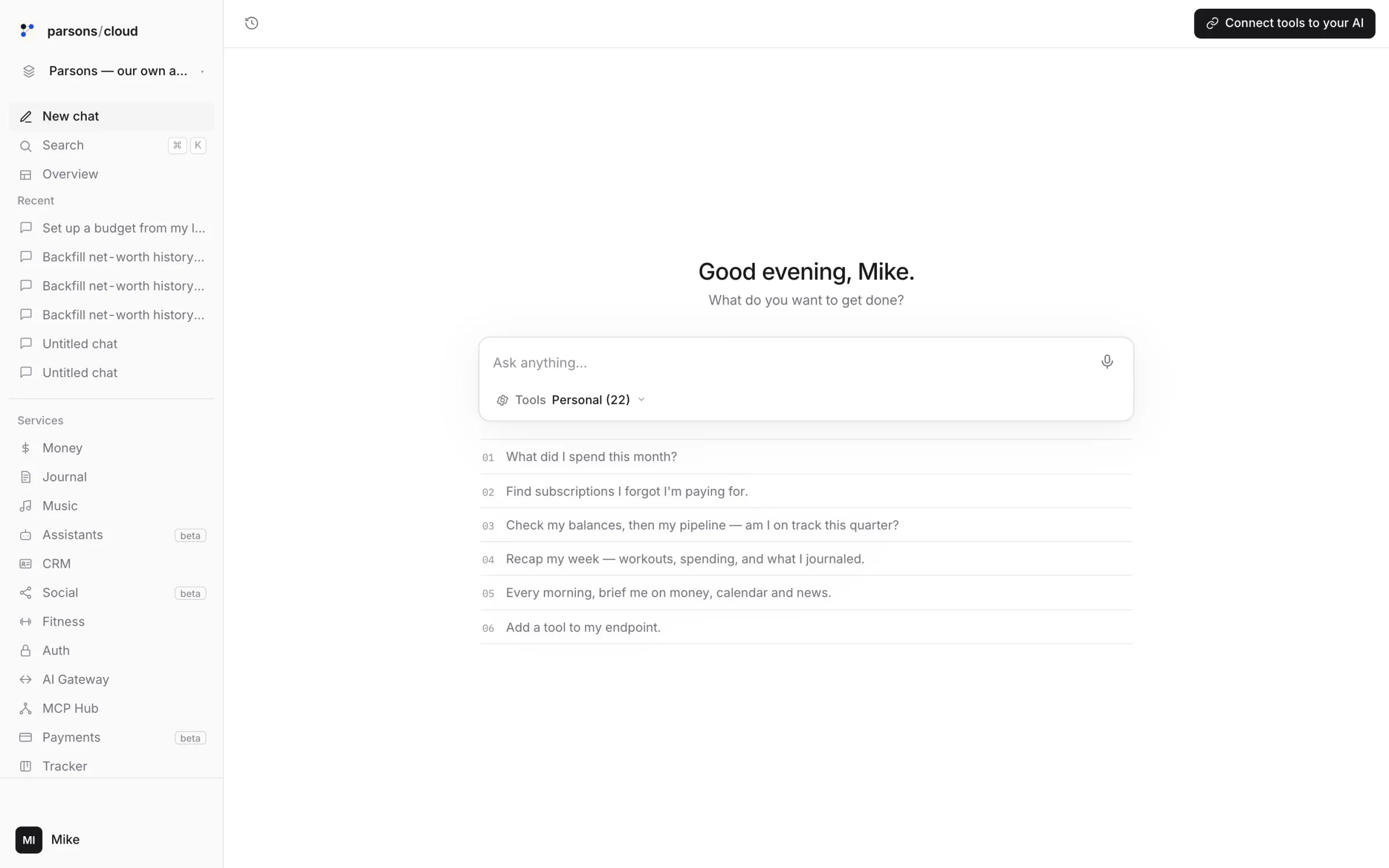
Start a space. Paste one address. Ask.
Start a space.
Your Personal space for your own life, and a business for each hat, each with its own data, people and agents. Personal includes 3 businesses, then $1 a month for each more.
Paste one address into your AI.
Each space has its own address. Add it to Claude, or another AI app, as a custom connector, and that space's tools are there: only the ones you've allowed.
https://console.parsons.ai/mcp/org_••••••••Ask. Across services.
One sentence can touch three services. The CRM moves, the calendar books, the mail goes out. You read what it did, and anything important waited for your passkey.
Globex went to proposal at $67.5k. Book the follow-up Thursday and email Priya the time.crm · update_dealGlobex → Proposal · $67,500donecalendar · bookThu 14:00 · follow-upconfirmedmail · sendPriya · the timesentLook, when you want to.
It's all in one console, for the days you'd rather see the board than ask about it.
Open the CRM.What runs in a space.
Connect Gmail, or run a business mailbox on your own domain, which we turn on with you. Your AI reads, sorts and drafts; sending waits for your passkey unless you've said otherwise.
CRM
Tell it what happened. The contact, the deal, the stage and the follow-up are already updated.
Calendar and bookings
A booking page for what you offer, on your own calendar. Your AI finds the times, books them and moves them.
Files
Shelves for your documents, with a set amount on each plan. An assistant or agent reads only the shelves you gave it.
Agents
Agents that keep working when you aren't there, on a schedule or when something arrives. They run on your own Anthropic key, each with only what you gave it, and each plan includes hours of agent time.
Money, in your Personal space
Banks, cards, loans and brokerages through Plaid, read-only. Ask your money anything; budgets in a sentence.
It runs your tools. It is not its own AI.
- ×Think for itselfParsons is where the work happens. The AI is yours: the app you already use, or agents on your own Anthropic key.
- ×Reach what you didn't allowYou choose what each assistant and agent may see and do, space by space. Not allowed, not there.
- ×Bill you past your planPast an allowance a service stops, and you get a notice first. Nothing is billed beyond your plan unless you ask.
- ✓Run a whole space from one connection
- ✓Keep each business apart, with its own data, people and agents
- ✓Show you everything it did, any time
There is no security slogan on this page and no badge we haven't earned. Everything in that list is a thing you can check, in your own space.
Plans from $15 a month, with 14 days free.
What happens at the edge of a plan.
Each plan has set allowances: agent time, files and, on some plans, calls and texts. You get a notice as you near one. Past it, that service stops until you top up or change plan, and nothing is billed beyond your plan unless you ask.
Parsons is invite-only for now: book a walkthrough to get in. See every plan's allowances.
Connect your Gmail and Google Calendar
Bring the mail and calendar you already use into Parsons Cloud, beside everything else you run there.
Gmail
Read, search, draft, reply, send, label and archive mail in Parsons Mail.
Google Calendar
See your calendars and events in Parsons, add and change events, send invites and answer them. An AI assistant you switch on can also create, rename and share calendars for you.
You choose, item by item
For each mailbox and calendar you decide whether an AI assistant or agent may read, draft or send. Every send, invite and answer an assistant makes waits for your passkey.
Your Google data is used only to run these features. It is never used for advertising, never sold, and never used to train AI models. People at Parsons don't read it unless you ask us to, or security or the law requires it. You can disconnect at any time, in Parsons or in your Google Account permissions, and Parsons erases its copy at once.
How Parsons handles Google data: Privacy Policy. Parsons' use and transfer to any other app of information received from Google APIs will adhere to the Google API Services User Data Policy, including the Limited Use requirements.